
Solar Inverter Not Working? Homeowner Troubleshooting Checklist
⚠️ SAFETY FIRST
NEVER attempt to:
Open the inverter enclosure
Touch any electrical components
Work on your roof without proper safety equipment
Perform any electrical work unless you're a licensed electrician
If you smell burning, see smoke, or notice any damage to your inverter or wiring, turn off your solar system immediately and call a licensed electrician.
Quick Diagnosis: What's Actually Wrong?
Before troubleshooting, identify the problem:
☐ No lights on inverter (completely dead)
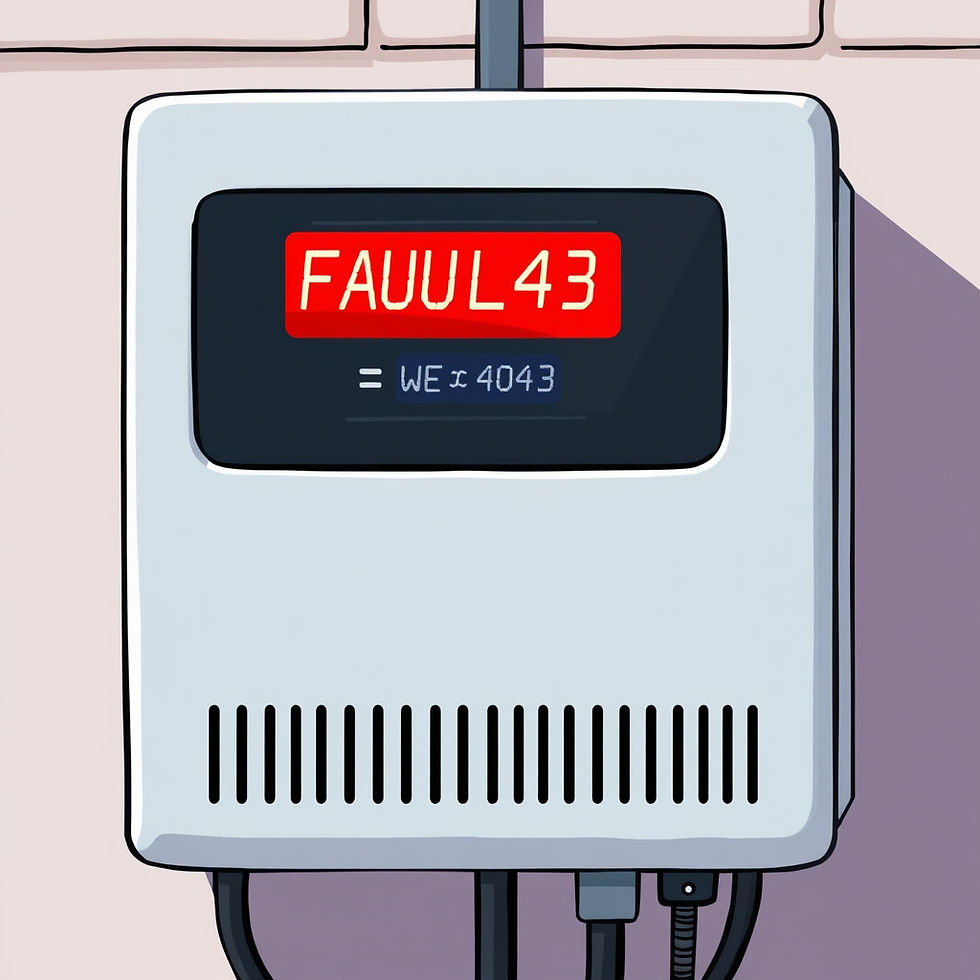
☐ Red/orange fault light (inverter is on but showing an error)
☐ Inverter is on but not generating power
☐ Inverter keeps turning on and off
☐ Monitoring app shows "offline" or "disconnected"
Step-by-Step Troubleshooting Checklist
STEP 1: Check for Obvious Issues
☐ Is it actually daytime and sunny?
Solar systems don't generate power at night
Cloudy/rainy days produce minimal power
Early morning/late afternoon = lower production
☐ Check your inverter display screen
Is there a light on at all?
What color is the light? (Green = OK, Red/Orange = Fault, No light = Power issue)
Does the screen show an error code? (Write it down)
☐ Look at your monitoring app
Does it show the system offline?
When did it last report generation?
Are there any error messages or notifications?
STEP 2: Check Your Home's Power Supply
Many inverter issues are actually just power supply problems:
☐ Check your switchboard/meter box
Has a circuit breaker tripped? (Switch will be in the "off" position)
Look for breakers labeled "Solar," "PV," "Inverter," or "AC Isolator"
If tripped, try resetting it ONCE (flip to off, then back to on)
If it trips again immediately, DO NOT reset it - call an electrician
☐ Check for area power outages
Ask neighbors if they have power
Check Western Power outage map: www.westernpower.com.au/faults-outages
Most inverters automatically shut down during grid outages (this is normal and required by law)
Your solar will resume automatically when grid power returns
☐ Check your main power is on
Verify other appliances in your home are working
Sometimes the whole house loses power, not just solar
STEP 3: Check Solar Isolators
Your system has safety switches (isolators) that can be accidentally turned off:
☐ DC Isolator (Usually near or on the inverter)
This is a switch that disconnects the solar panels from the inverter
Check it's in the "ON" position
In Perth, it's often a red switch or a rotary switch near the inverter
Common cause: Accidentally switched off during maintenance or cleaning
☐ AC Isolator (Usually at your switchboard)
This disconnects the inverter from your home's power
Should be in the "ON" position
Sometimes labeled "Solar Supply Main Switch" or similar
☐ Rooftop DC Isolator (If you have one)
Some systems have an isolator on the roof near the panels
DO NOT go on your roof unless safe to do so
If you can safely see it from a window or ground level, check if it's on
STEP 4: Try a Simple Restart
Just like a computer, sometimes inverters need a reboot:
☐ Perform a proper inverter restart:
Turn OFF the AC isolator (at switchboard)
Turn OFF the DC isolator (near/on inverter)
Wait 60 seconds
Turn ON the DC isolator
Turn ON the AC isolator
Wait 5 minutes for the inverter to reconnect to the grid
☐ Check if the inverter comes back online
Green light should appear
Display should show normal operation
Check your monitoring app after 10-15 minutes
If restart doesn't work, proceed to next step.
STEP 5: Check for Error Codes
☐ Write down any error codes or fault messages
Most inverters display error codes on the screen
Take a photo of the display with your phone
Common codes (varies by brand):
"Grid Fault" or "Grid OV/UV" = Grid voltage issue (often temporary)
"Insulation Fault" = Wiring issue (call electrician)
"DC Injection" = Internal fault (call electrician)
"Over Temperature" = Inverter is too hot (see below)
☐ Google the error code + your inverter brand
Example: "Fronius error 460" or "Sungrow fault 008"
Manufacturer websites often have fault code guides
This helps you explain the issue when you call for help
STEP 6: Environmental Checks
☐ Is your inverter overheating?
Inverters can shut down in extreme Perth heat (40°C+ days)
Touch the inverter casing - is it extremely hot?
Is it in direct sunlight with no ventilation?
Solution: It should restart automatically when cool. If it happens repeatedly, it may need relocation.
☐ Check for obvious physical damage
Cracks in the inverter casing
Water damage, moisture, or corrosion
Loose or damaged cables
Pest damage (birds, rats, etc.)
DO NOT touch damaged components - call an electrician
☐ Recent severe weather?
Lightning strikes can damage inverters
Heavy storms can cause temporary grid faults
Extreme heat can trigger thermal shutdowns
STEP 7: Check Your Monitoring System
☐ WiFi/Internet connection issues
If the inverter is working but monitoring shows "offline," it might just be a WiFi issue
Check if your home WiFi is working
Restart your WiFi router
Some inverters have WiFi indicator lights - check if it's connected
☐ Reset monitoring connection (if applicable)
Some systems have a separate monitoring device
Check if it needs to be power-cycled
Refer to your system manual
When to Call a Professional
Call a licensed electrician or your solar installer immediately if:
❌ Circuit breaker keeps tripping repeatedly
❌ You see, smell, or hear anything unusual (burning smell, buzzing, sparks)
❌ There's visible damage to the inverter or wiring
❌ Error codes indicate "insulation fault" or "earth fault"
❌ The inverter is less than 5 years old and completely dead (warranty issue)
❌ You've tried all troubleshooting steps and the system still won't work
❌ The inverter has been offline for more than 24 hours
❌ You're uncomfortable performing any of these checks
⚡ In Perth, all electrical work must be performed by a licensed electrician - even on solar systems.
Common Issues and Quick Fixes
Issue: "No lights, completely dead inverter"
Most likely causes:
Tripped circuit breaker → Reset at switchboard
AC isolator switched off → Turn it back on
Power outage in your area → Wait for power restoration
Failed inverter → Call electrician
Issue: "Red fault light"
Most likely causes:
Grid voltage outside acceptable range (temporary) → Wait 10 minutes, try restart
Insulation fault → Call electrician
Overheating on hot days → System will restart when cool
Recent storm/lightning → May need electrician assessment
Issue: "Inverter keeps restarting/cycling"
Most likely causes:
Grid instability (voltage fluctuations)
Faulty connection
Inverter firmware needs update
Failing inverter → Call electrician
Issue: "No power generation but inverter shows green light"
Most likely causes:
DC isolator is off → Turn it on
Shading on panels (trees, new building, dirt buildup)
Faulty panel connection
It's very early/late or cloudy → Check again at midday
Issue: "Monitoring app shows offline"
Most likely causes:
WiFi/internet connection issue → Check your router
Monitoring device lost power → Check USB/power connection
App needs update → Update the app
Account login issue → Re-login to app
Perth-Specific Considerations
Western Power Grid Issues
Perth's grid can experience voltage fluctuations, especially in newer suburbs or during peak solar generation times (middle of the day). Your inverter may shut down temporarily to protect itself. This is normal and it should restart automatically.
Hot Perth Summers
Inverters can overheat and shut down on 40°C+ days, especially if installed in direct sun or poorly ventilated areas. They'll restart when cool. If this happens frequently, your inverter may need to be relocated to a shadier spot.
New SWIS Export Limiting (From May 2026)
If you have a newer system installed after May 1, 2026, your inverter may have export limiting enabled. This can sometimes appear like a fault when it's actually just limiting export to the grid as designed.
Preventative Maintenance Tips
To minimize inverter problems:
☐ Keep your inverter clean and ventilated
☐ Trim trees/vegetation blocking panels or inverter ventilation
☐ Clean solar panels 2-3 times per year (Perth dust!)
☐ Check your monitoring app weekly for unusual patterns
☐ Schedule a professional inspection every 3-5 years
☐ Keep your inverter firmware updated (some update automatically, others need manual updates)
What to Tell Your Electrician When You Call
When calling for help, have this information ready:
✓ Inverter brand and model number (written on the inverter)
✓ Any error codes displayed
✓ When the problem started
✓ What troubleshooting you've already done
✓ Age of the system
✓ Photos of the inverter display
✓ Recent weather events (storms, extreme heat, etc.)
Emergency Contact Information
For electrical emergencies (smoke, fire, sparks):
Turn off main power at switchboard
Evacuate the area
Call 000
For non-emergency solar faults:
Contact your original solar installer (check warranty)
Or call a licensed electrician experienced with solar systems
Western Power (grid issues):
13 13 51 (faults and emergencies)
Warranty Information
Before calling a paid electrician, check if your system is under warranty:
Inverter warranty: Most inverters have 5-10 year warranties
Installation warranty: Most installers offer 5-10 year workmanship warranties
Panel warranty: Usually 10-25 years
Check your original installation paperwork - warranty repairs should be free if your system is still covered.
Download This Checklist
Save this page or print it out and keep it near your switchboard for quick reference when issues occur.
Need help with your Perth solar system?
If you've worked through this checklist and still need assistance, our team at [Your Company Name] is here to help. We service solar systems across Perth and regional WA.
📞 0429 346 088 📧 hello@westcoastenergy.com.au
Our solar services include:
Solar inverter repairs and replacements
System fault diagnosis and troubleshooting
Preventative maintenance
System upgrades and expansions
Solar panel cleaning
Switchboard upgrades
Perth Metro & Surrounds | Licensed Electricians | Solar Specialists
This checklist is for informational purposes only. Always prioritize safety and consult a licensed electrician for any electrical work. Westcoast Energy is not liable for any damage or injury resulting from DIY troubleshooting.

Comments